
Overview
The Cluster DNS Zones feature in Webuzo allows administrators to manage and synchronize DNS zones across multiple servers configured in a DNS cluster.
Navigate to Home > DNS Functions > Cluster DNS Zones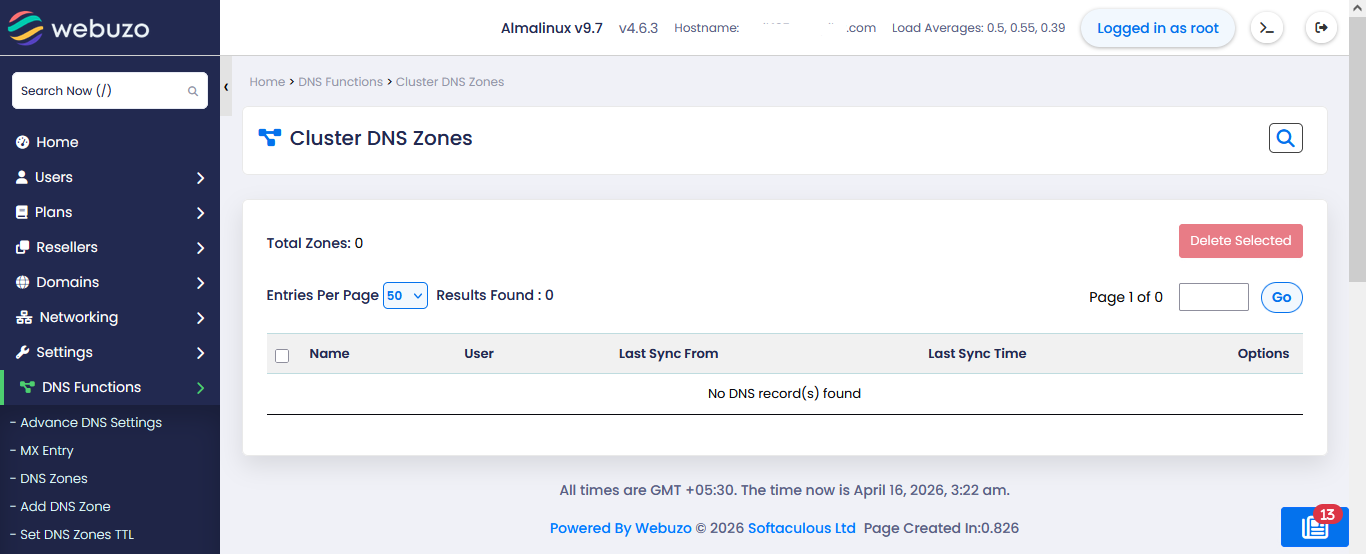
Managing Cluster DNS Zones
Viewing Zones
- All synchronized DNS zones are listed in the table
- If no zones exist, you will see:
- “No DNS record(s) found”
Deleting Zones
- Select the checkbox next to the DNS zone(s)
- Click Delete Selected
Zone Table Columns
- Name – Domain name of the DNS zone
- User – Owner of the DNS zone
- Last Sync From – Source server of last synchronization
- Last Sync Time – Timestamp of last sync
- Options – Manage or perform actions on the zone