
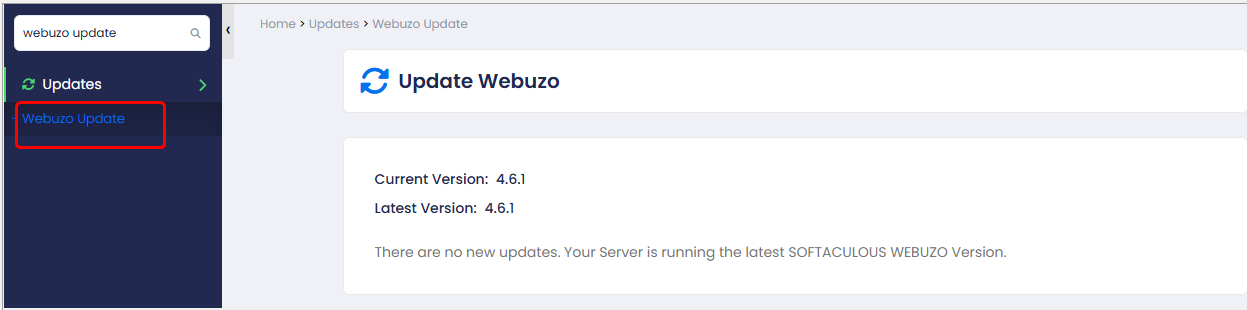
Webuzo Update
This page allows users to check their current Webuzo version and update to the latest available version.
Immediate Update
If you want to synchronize your license after purchasing one, click on the Refresh License link in your Webuzo Admin Panel. That will synchronize your license information.
Webuzo synchronizes with
our servers for files and License information when CRON is run.
You can force CRON to run via shell command to immediately synchronize
for the License Information or for apps updates or Webuzo updates.
SSH to your server as root and enter following command :
/usr/local/emps/bin/php /usr/local/webuzo/cron.php
This will force CRON to run and Webuzo will synchronize all necessary information.