
Overview
This guide will show you how to manage plugins in Webuzo.
Procedure
To see and manage the Webuzo Plugins, go to Webuzo Admin Panel > Plugins > Installed Plugins wizard.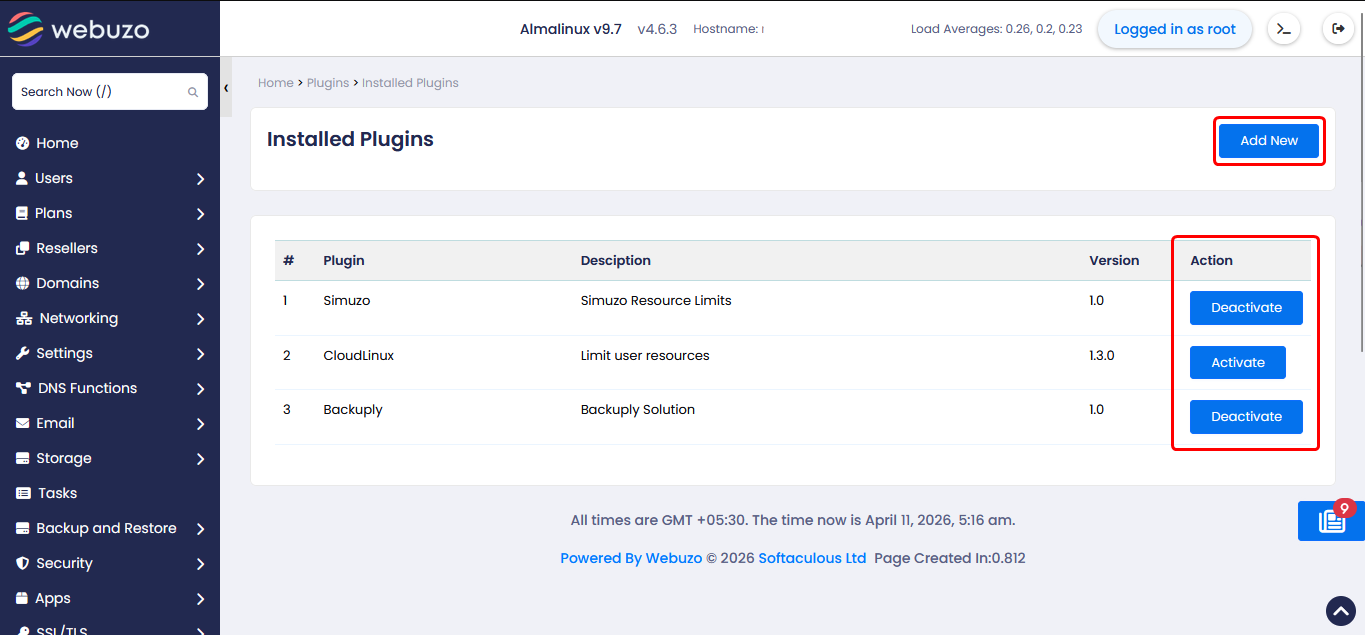
To add a plugin, click on the "Add new" button.
You can also Activate/Deactivate plugins from this wizard.